Instagram Collections: How to Create, Share and Organize Them
If your Instagram Saved folder is one long scroll of recipes, outfits and memes, Collections can fix it. Collections are folders inside Saved that let you group posts and reels by topic.
Here’s how to make them, share them and keep them tidy.
What are Instagram Collections?
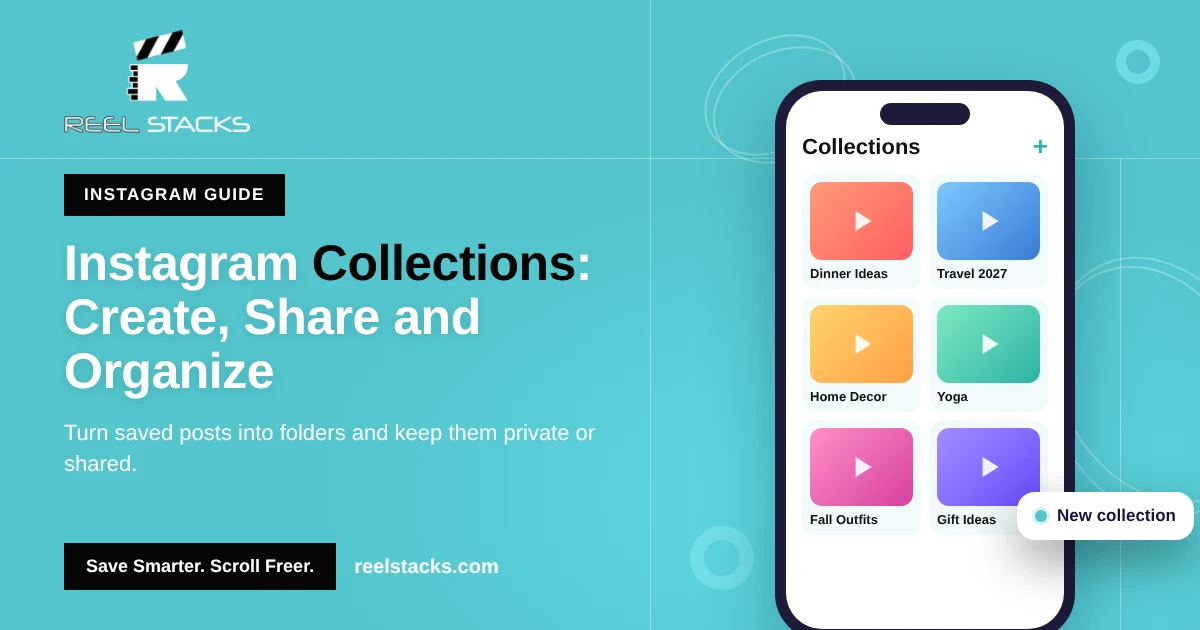
Collections are private folders for the posts and reels you save. Instead of one “All posts” list, you can have folders like “Dinner Ideas,” “Travel 2027” or “Home Decor.” A post can sit in more than one collection.
How to make a collection on Instagram
While saving a post:
- Tap and hold the bookmark icon under a post or on a reel.
- Tap + (New collection).
- Name it and tap Save.
From your Saved folder:
- Go to Profile > ☰ > Saved.
- Tap + in the top-right corner.
- Name the collection, tap Next, and select saved posts to add.
- Tap Done.
How to view your collections
Go to Profile > ☰ > Saved. Each collection appears as a folder under All posts. On desktop, go to your profile and click the Saved tab.
How to add or remove posts from a collection
- Add: tap and hold the bookmark icon on any post and pick the collection.
- Add many at once: open the collection, tap •••, then Add to collection, and select posts from your saves.
- Remove: open the collection, tap •••, then Select, choose the posts, and tap Remove from collection.
How to rename or delete a collection
- Open the collection.
- Tap ••• in the top-right corner.
- Tap Edit collection to rename it or change the cover, or Delete collection to remove it.
Deleting a collection doesn’t unsave the posts. They stay in All posts.
Are Instagram collections private?
Yes. Your collections are private by default. Nobody can see them, including the creators of the posts inside. Others only see a collection if you share it or add them as collaborators.
How to share a collection on Instagram
Instagram has been rolling out shared (collaborative) collections that you build with friends in a direct message chat. If your account has it:
- Open a chat with the person in your DMs.
- Long-press a post or reel that was shared in the chat.
- Tap Add to collection and create a shared collection, or pick one you already share.
Everyone in the shared collection can see it and add posts. If you don’t see the option, your account may not have the feature yet. Update the app and check again.
How to add someone to a saved collection
Shared collections are created from a DM chat with that person. You can’t add someone to an existing private collection from your Saved folder.
Collection ideas
- Food: Weeknight Dinners, Baking, Meal Prep
- Fitness: Leg Day, Yoga, Home Workouts
- Style: Fall Outfits, Hair Ideas, Date Night Looks
- Home: Decor, Garden, Cleaning Hacks
- Plans: Travel Spots, Gift Ideas, Restaurants to Try
Where Instagram Collections fall short
- No search. You still have to scroll inside each collection.
- Instagram only. Your TikToks, Facebook reels and YouTube Shorts live somewhere else.
- Sharing is limited to people you chat with on Instagram.
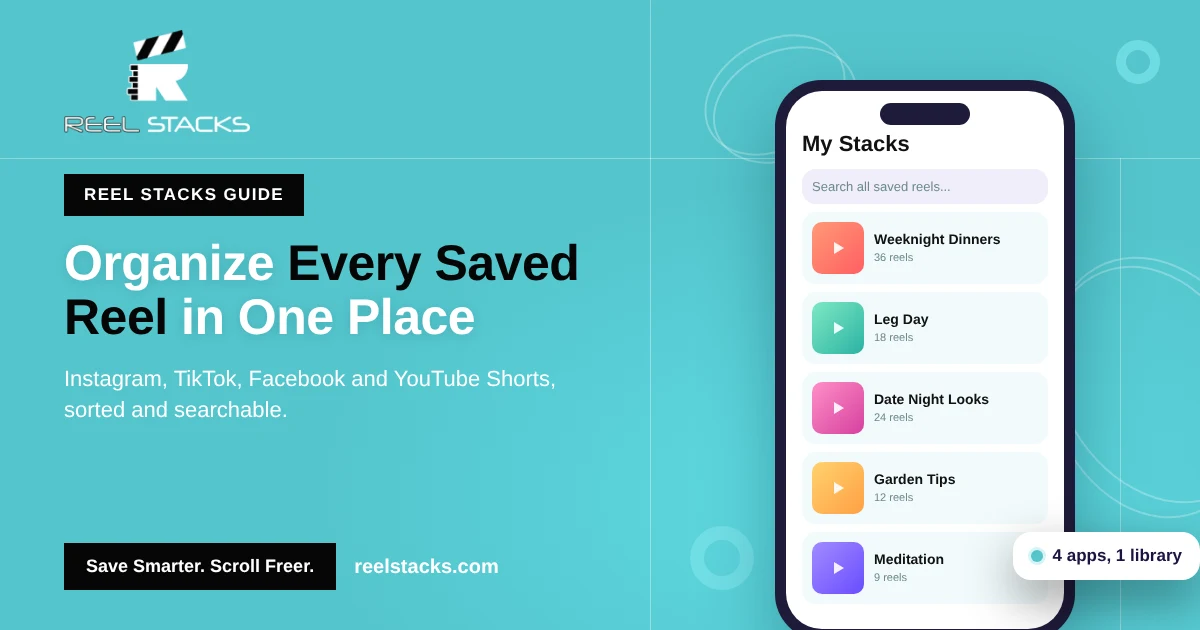
Reel Stacks works like Collections for every app. Create unlimited categories, save reels from Instagram, TikTok, Facebook and YouTube Shorts, search across all of them, and share a whole stack with anyone in one tap, even if they’re not on Instagram.
Collections for all your reels, not just Instagram. Get Reel Stacks
Related: How to Organize Saved Reels Across Every App · How to Find Saved Reels on Instagram · How to Save Instagram Reels
FAQs
Are Instagram collections private?
Yes. Only you can see them unless you create a shared collection.
Can people see my collections on Instagram?
No. Collections aren’t visible on your profile to anyone else.
How do I share a collection on Instagram?
Shared collections are built inside a DM chat. Long-press a post in the chat and tap Add to collection, if your account has the feature.
Does deleting a collection delete the saved posts?
No. The posts stay in your All posts list.
Can I search inside Instagram collections?
No. Instagram doesn’t offer search in Saved or Collections. Reel Stacks adds search across every saved reel.