How to Save Instagram Reels (and Save Them to Your Camera Roll)
There are two ways to “save” a reel on Instagram. You can bookmark it inside the app so you can watch it later, or you can download it to your phone’s camera roll. They do different things, and most people mix them up.
This guide covers both, plus how to save your own reels and what to do when the download button is missing.
Bookmark vs. download: what’s the difference?
| Bookmark (Save) | Download | |
|---|---|---|
| Where it goes | Instagram > Saved | Your phone’s camera roll or gallery |
| Works offline | No | Yes |
| Uses phone storage | No | Yes |
| Available on every reel | Yes | Only public reels where the creator allows downloads |
| Creator watermark | No | Yes, the username is added |
How to save an Instagram reel in the app (bookmark)
- Open the reel you want to keep.
- Tap the bookmark icon on the right side of the screen (or tap ••• and then Save).
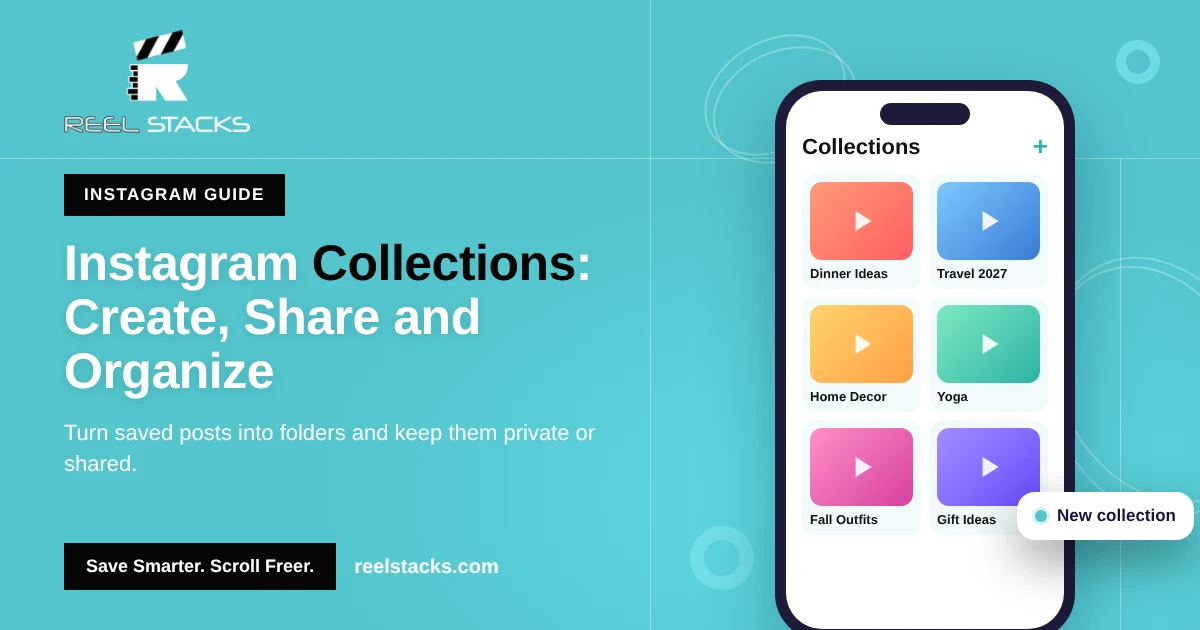
- To put it in a folder, tap and hold the bookmark icon and choose a collection.
You’ll find it later under Profile > ☰ > Saved. Full steps are in How to Find Saved Reels on Instagram.
How to save Instagram reels to your camera roll (iPhone and Android)
- Open the reel.
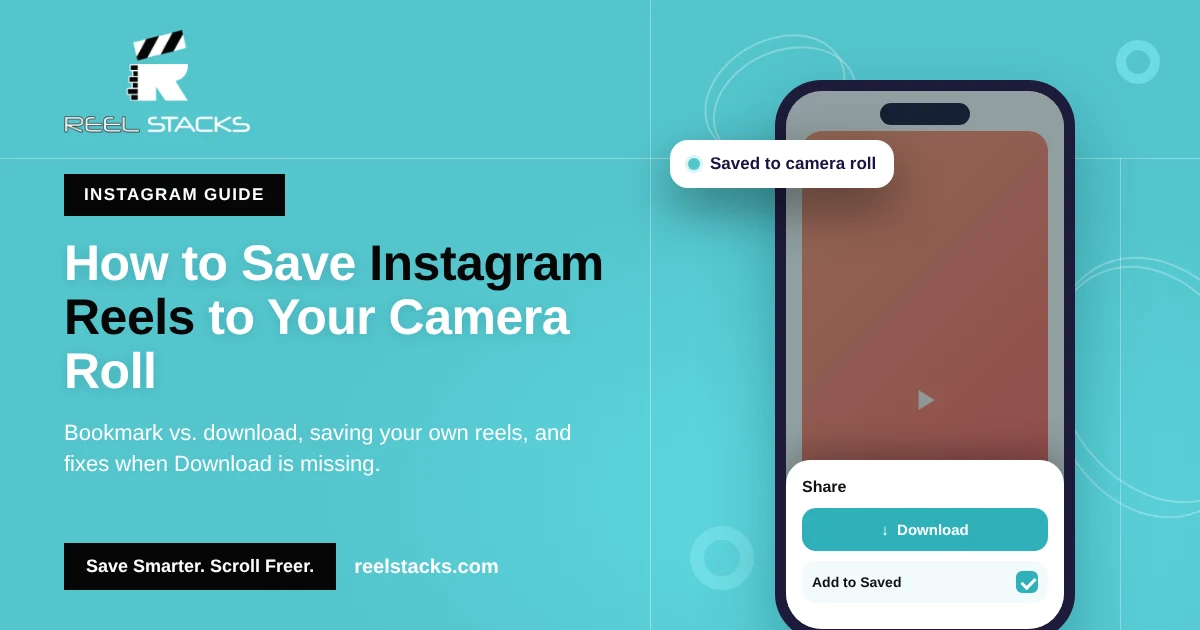
- Tap the Share icon (the paper airplane).
- Tap Download in the row of options at the bottom.
- The reel saves to your Photos app (iPhone) or Gallery (Android).
Downloaded reels include the creator’s username as a watermark. If the reel uses licensed music, the download may save without the audio.
Why don’t I see the Download option?
- The account is private. Downloads only work on reels from public accounts.
- The creator turned downloads off. Creators can block downloads on their reels.
- Your app is out of date. Update Instagram and check again.
- It’s not a reel. Regular video posts and Stories have different options.
If you can’t download it, bookmark it instead, or save it to Reel Stacks so you can find the link again in seconds.
How to save your own Instagram reels to your camera roll
A reel you already posted:
- Open the reel on your profile.
- Tap ••• (More).
- Tap Download or Save to camera roll.
Save every reel automatically when you post:
- Go to Profile > ☰ > Archiving and downloading.
- Turn on Save original photos and videos (labels vary slightly by app version).
Can you save Instagram reels without the app?
On desktop, you can bookmark a reel at instagram.com by clicking the bookmark icon under it. Desktop doesn’t offer a download button for other people’s reels.
A note on third-party “reel downloader” sites
Many sites promise to save any reel without a watermark. Be careful. They often show heavy ads, ask you to log in with your Instagram account, or break Instagram’s terms. Re-posting someone else’s reel without permission can also lead to copyright claims. Stick to Instagram’s own Download button, or keep a link to the reel instead.
Saving is easy. Finding it again is the hard part.
Once you’ve bookmarked 300 reels and downloaded another 50 into your camera roll, they’re mixed in with your own photos and buried in a list you can’t search. And that’s just Instagram.
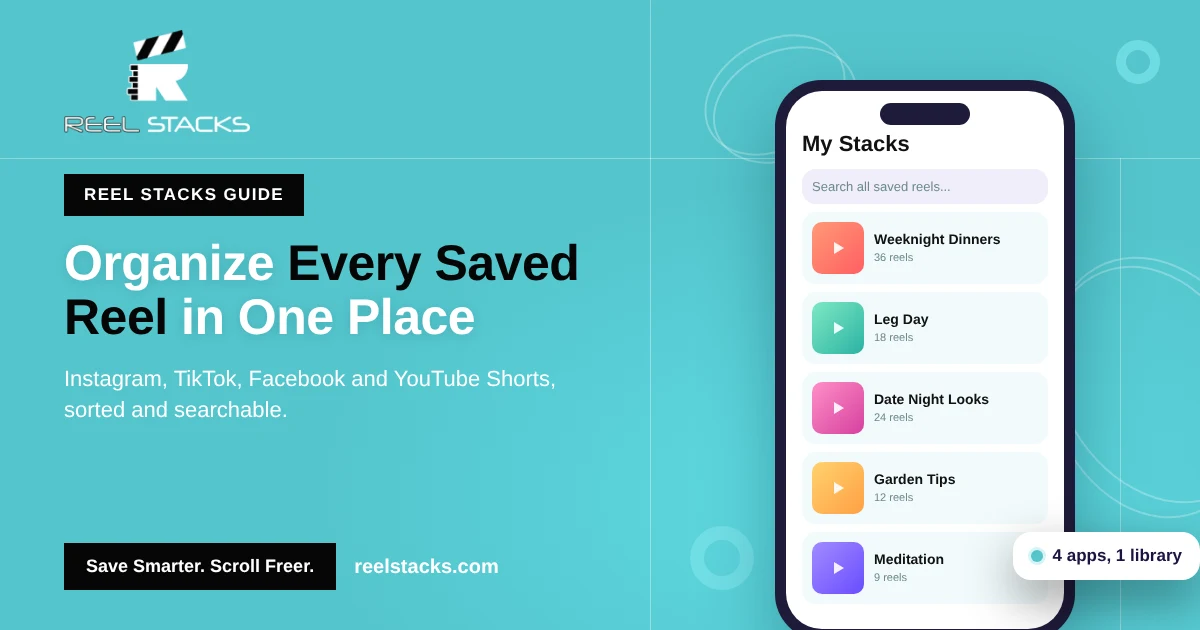
Reel Stacks gives every saved reel a home. Tap Share on a reel, choose Reel Stacks, and pick a category like “Recipes to Try” or “Home Workouts.” It works with TikTok, Facebook and YouTube Shorts too, and it doesn’t fill up your camera roll.
Save once. Find it in seconds. Organize reels from every app into one searchable library. Get Reel Stacks
Related: How to Organize Saved Reels Across Every App · Instagram Collections Guide
FAQs
Can you save Instagram reels?
Yes. Tap the bookmark icon to save it inside Instagram, or tap Share and then Download to save it to your phone.
How do I save Instagram reels to my camera roll on iPhone?
Open the reel, tap the paper airplane icon, and tap Download. It saves to the Photos app.
Does the creator know if I download their reel?
Instagram doesn’t send the creator a notification with your name when you download or save their reel.
Why did my downloaded reel save without sound?
Reels that use licensed music sometimes download without audio because of music rights.
Can I save reels without a watermark?
Instagram’s own download adds a watermark. Removing it usually means using third-party tools, which can break Instagram’s rules and the creator’s copyright.