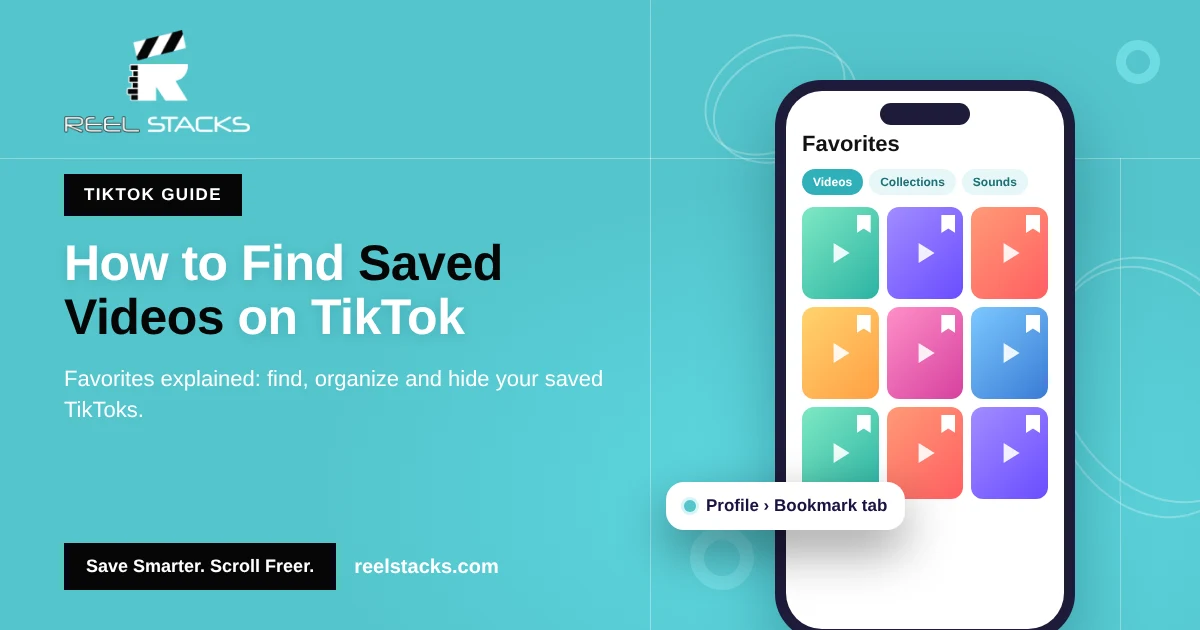
How to Find Saved Videos on TikTok (Favorites Explained)
On TikTok, “saving” a video is called adding it to Favorites. That’s why so many people search for their saved videos and can’t find a “Saved” button. Your saves are in the Favorites tab on your profile.
Where are saved videos on TikTok?
Saved videos are in Profile > Favorites (the bookmark icon). Inside Favorites you’ll see tabs for videos, collections, sounds, effects and more.
How to find saved videos on TikTok (iPhone & Android)
- Open TikTok and tap Profile in the bottom-right corner.
- Tap the bookmark icon (Favorites) above your video grid.
- Tap Videos to see every video you’ve saved.
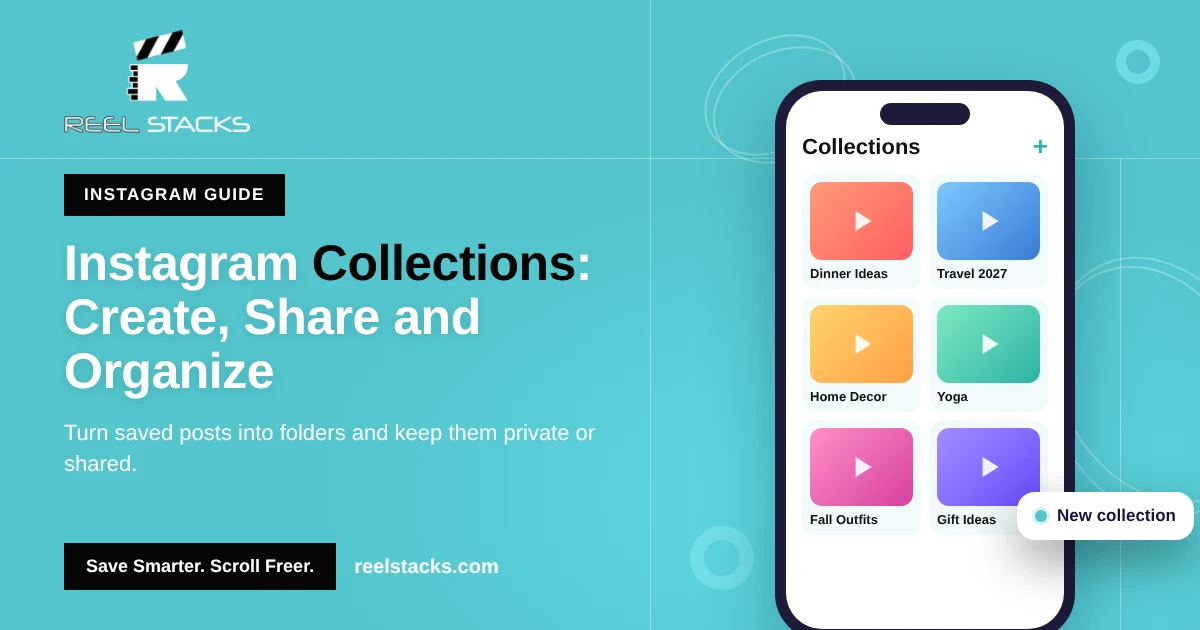
- Tap Collections to see videos you sorted into folders.
How to save a video on TikTok
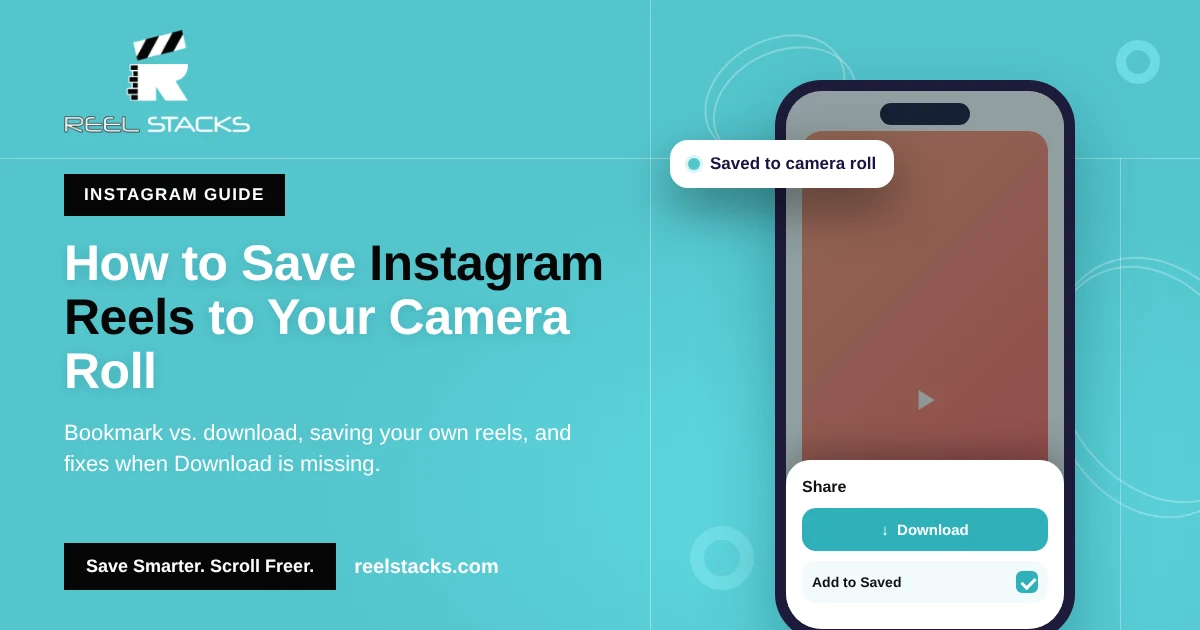
- While the video is playing, tap the bookmark icon on the right side.
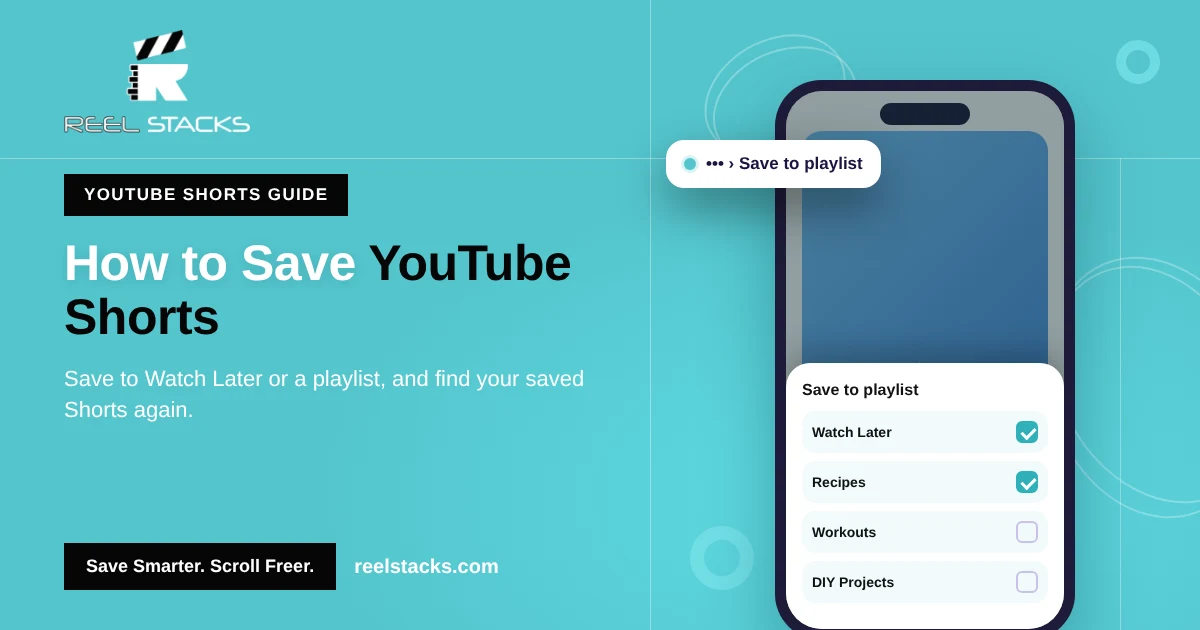
- To add it to a collection, tap Manage or Add to collection in the pop-up that appears.
Tip: you can also press and hold on a video and tap Add to Favorites.
Saved vs. liked videos on TikTok
| Favorites (saved) | Liked | |
|---|---|---|
| Icon | Bookmark | Heart |
| Where to find it | Profile > bookmark tab | Profile > heart tab |
| Can be sorted into collections | Yes | No |
| Visible to others | Your choice in Privacy settings | Your choice in Privacy settings |
If a video isn’t in Favorites, check your Liked tab. You may have tapped the heart instead.
Can people see your favorites on TikTok?
It depends on your settings. To check or change it:
- Go to Profile and tap the three lines (☰).
- Tap Settings and privacy > Privacy.
- Find Favorite videos (or Favorites) and choose who can see them.
Set it to Only me to keep your saved videos private.
Can creators see who saved their TikTok?
No. Creators see how many times a video was saved (favorited), but not who saved it.
Why can’t I find my saved TikTok videos?
- The creator deleted the video or made it private.
- You liked the video instead of adding it to Favorites.
- You’re logged into a different TikTok account.
- An app update moved the tab. Update TikTok and look for the bookmark icon on your profile.
TikTok Favorites only holds TikToks
Favorites works for TikTok, but the workout you saved on Instagram and the recipe on Facebook are in different apps. When you want something, you have to remember where you saw it first.
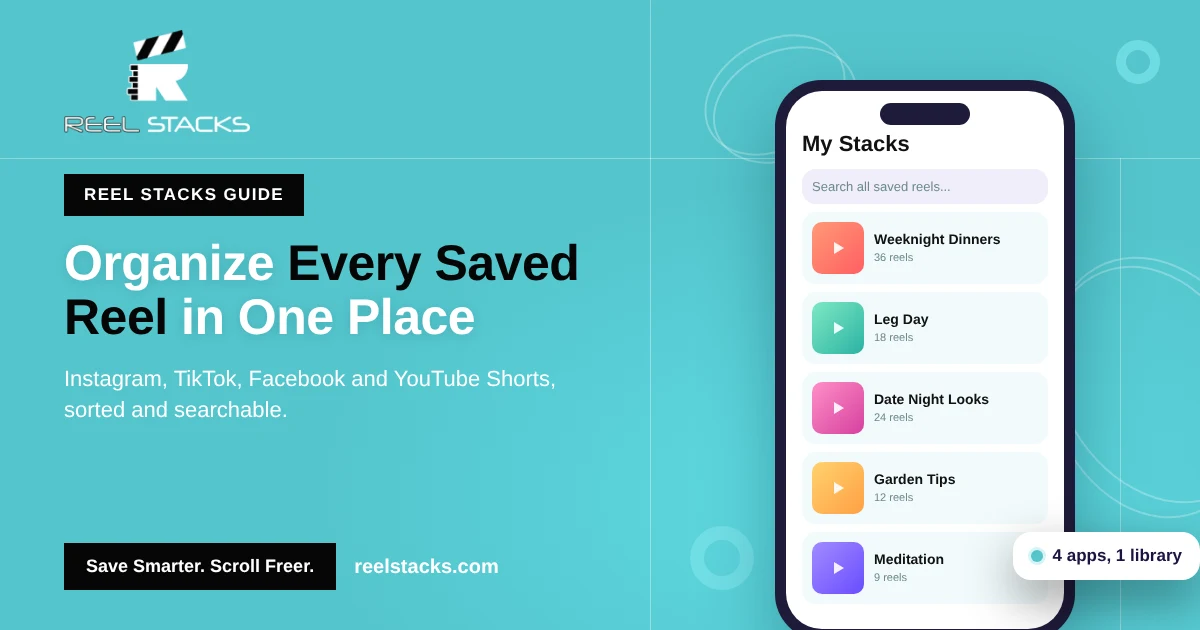
Reel Stacks puts them in one place. Share a TikTok to Reel Stacks, tag it with a category like “Gym” or “Crafts,” and it sits next to your Instagram, Facebook and YouTube Shorts saves. Search once, find it fast.
Your TikToks, reels and Shorts in one library. Try Reel Stacks
Related: How to Find Saved Reels on Instagram · How to Organize Saved Reels Across Every App
FAQs
Where do saved TikToks go?
To the Favorites tab on your profile, marked with a bookmark icon.
Does TikTok tell you who saved your video?
No. You only see the total number of saves.
How do I make my favorites private on TikTok?
Go to Settings and privacy > Privacy > Favorite videos, then choose Only me.
How do I delete saved videos on TikTok?
Open the video from Favorites and tap the bookmark icon again to remove it.
Can I organize saved TikToks into folders?
Yes. Use Collections inside Favorites, or use Reel Stacks to organize TikToks with videos from other apps.