How to Save YouTube Shorts
YouTube Shorts don’t have a big bookmark button like Instagram or TikTok, so a lot of people think you can’t save them. You can. Shorts save to playlists, including Watch Later, and you can find them again in your library.
Can you save YouTube Shorts?
Yes. You can save any Short to Watch Later or to a playlist you create. You can also download Shorts you uploaded yourself. Downloading other people’s Shorts to your camera roll isn’t a standard YouTube feature.
How to save a YouTube Short to a playlist (iPhone and Android)
- Open the Short in the YouTube app.
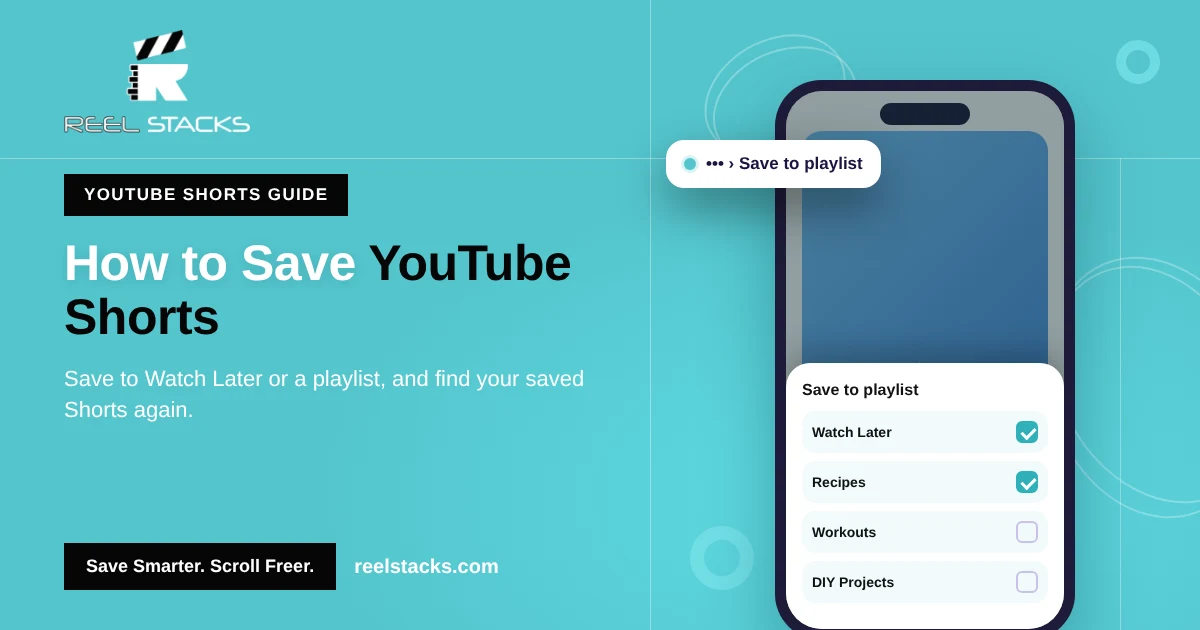
- Tap the three dots (•••) in the top-right corner (or the bottom-right on some versions).
- Tap Save to playlist.
- Choose Watch Later, pick an existing playlist, or tap New playlist to create one.
Tip: make playlists by topic, like “Recipes,” “Workouts” or “DIY,” so your saved Shorts don’t end up in one long list.
How to save YouTube Shorts on desktop
- Open the Short at youtube.com.
- Click the three dots next to the Short.
- Click Save to playlist and choose a playlist.
Where do saved YouTube Shorts go?
Tap You (your profile icon) at the bottom of the YouTube app, then open Playlists or Watch Later. Your saved Shorts appear there alongside regular videos.
Can you save YouTube Shorts to your camera roll?
Your own Shorts: yes. Open YouTube Studio (app or desktop), go to Content > Shorts, open the Short, and choose Download (on desktop, it’s in the three-dot menu next to the Short).
Other people’s Shorts: YouTube doesn’t offer a camera-roll download for other creators’ Shorts. Websites that promise to do it often go against YouTube’s terms and the creator’s copyright, and they’re often full of ads. Saving to a playlist, or to Reel Stacks, keeps the Short without those risks.
Why can’t I save a Short to a playlist?
- The Short is marked “made for kids.” Saving to playlists is turned off for that content.
- You’re not signed in. Playlists only work with a Google account.
- The app is out of date. Update YouTube and try again.
YouTube playlists only hold YouTube
Playlists work, but they only keep YouTube content. The recipe you saved on Instagram and the workout you saved on TikTok are in other apps.
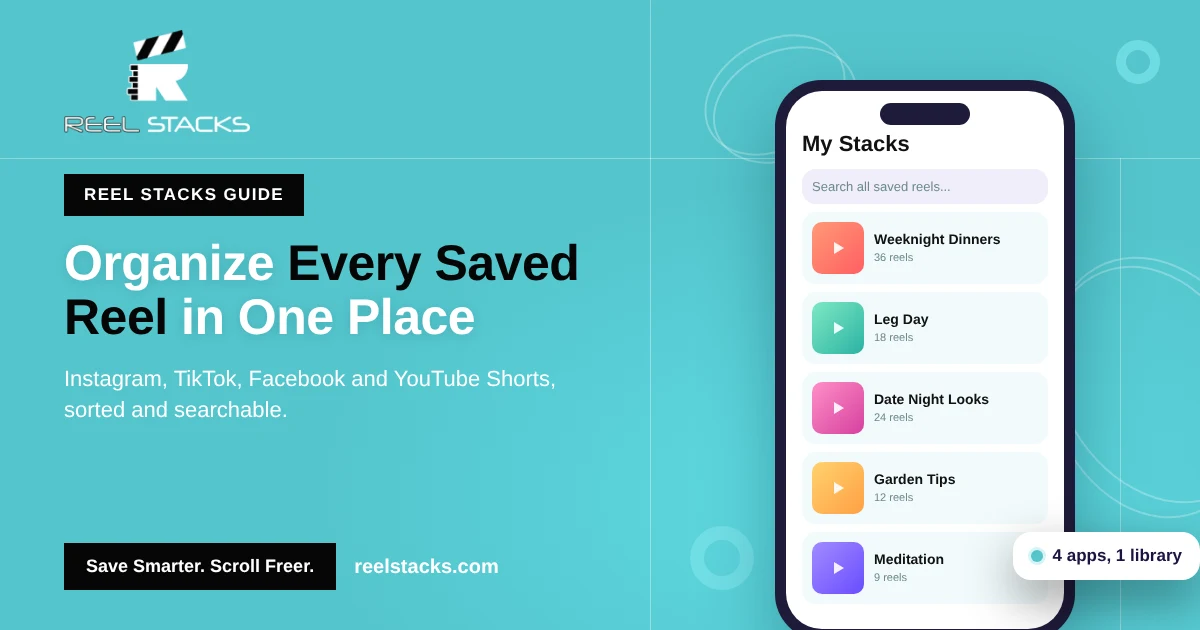
Reel Stacks keeps them together. Tap Share on any YouTube Short, choose Reel Stacks, and drop it into a category. Your Shorts sit right next to your Instagram reels, TikToks and Facebook reels, and built-in search finds any of them in seconds.
Every Short, reel and TikTok in one library. Download Reel Stacks
Related: How to Organize Saved Reels Across Every App · How to Find Saved Videos on TikTok
FAQs
How do I save a YouTube Short?
Tap the three dots on the Short, tap Save to playlist, and pick Watch Later or a playlist.
Where are my saved YouTube Shorts?
In the You tab, under Playlists or Watch Later.
Can I save YouTube Shorts to my iPhone camera roll?
Only Shorts you uploaded, through YouTube Studio. YouTube doesn’t offer camera-roll downloads of other people’s Shorts.
Can I save Shorts to a playlist on desktop?
Yes. Click the three dots next to the Short and choose Save to playlist.
Why is Save to playlist missing on some Shorts?
Shorts marked “made for kids” can’t be saved to playlists.