Can You See Who Saved Your Instagram Post?
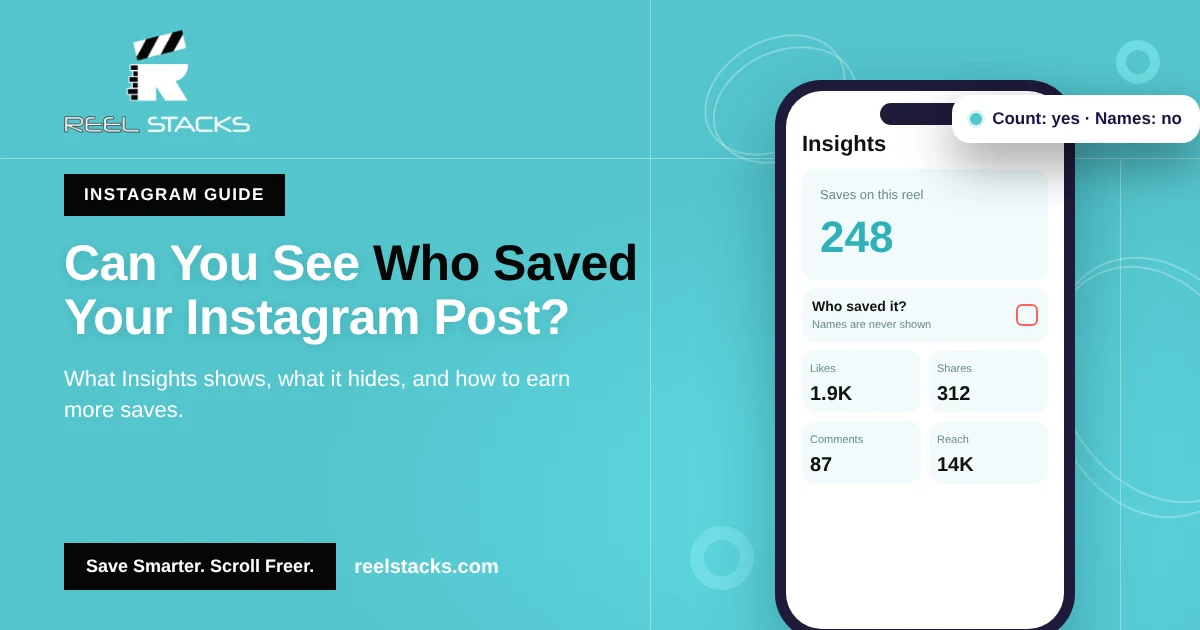
No. Instagram doesn’t show who saved your post. It only shows how many people saved it, and only if you have a professional (creator or business) account.
That works both ways: when you save someone else’s post or reel, they never see your name.
What Instagram shows you about saves
| What you want to know | Can you see it? | Where |
|---|---|---|
| Total number of saves on a post or reel | Yes, with a professional account | Insights on that post |
| Names of people who saved it | No | Not available anywhere |
| Who liked it | Yes (unless likes are hidden) | Tap the likes count |
| Who shared it to Stories | Partly, for public accounts | Insights and notifications |
How to see how many people saved your Instagram post
- Make sure you have a professional account. If not, go to Profile > ☰ > Account type and tools > Switch to professional account. It’s free.
- Open the post or reel on your profile.
- Tap View insights (below the post) or ••• then Insights.
- Look for the bookmark icon or the word Saves. That number is your total saves.
Insights only cover posts published after you switched to a professional account.
Can people see what you saved on Instagram?
No. Your Saved folder is private. Nobody can see what you saved, including the creator of the post. The only exception is a collection you choose to share with someone. Learn more in How to Find Saved Reels on Instagram.
Don’t trust apps that claim to show who saved your post
Some third-party apps say they can reveal who saved, viewed or stalked your profile. Instagram doesn’t share that data with anyone, so these apps can’t deliver it. Many ask for your Instagram password, which puts your account at risk.
Why saves matter more than likes
A like is a quick tap. A save means someone wants to come back to your post later. That’s why saves are one of the strongest signals that your content is useful, and creators watch them closely.
How to get more saves on your posts and reels
- Make reference content. Recipes, workout routines, checklists, tips and tutorials get saved most.
- Put the value on screen. Show the full list or steps in the video or carousel, so people save it to come back.
- Ask directly. A short “Save this for later” at the end of a reel or in the caption works.
- Use carousels for step-by-step content. Multi-slide posts are easy to save and revisit.
Where your audience keeps your reels
Your followers save your reel on Instagram, but they also save reels on TikTok, Facebook and YouTube Shorts. Many of them use Reel Stacks to keep every saved reel in one organized, searchable library, so your recipe or workout is easy for them to find again.
Saving reels for later? Keep them all in one place with custom categories and search. Try Reel Stacks
Related: Instagram Collections Guide · How to Save Instagram Reels
FAQs
Can you see who saved your Instagram post?
No. Instagram only shows the total number of saves in Insights.
Does Instagram notify someone when you save their post?
No. The creator isn’t notified and never sees your name.
Can I see who saved my post with a business account?
No. Business and creator accounts see the save count, not names.
Can people see my saved posts on Instagram?
No. Your Saved folder is private unless you share a collection.
Are “who saved my post” apps real?
No. Instagram doesn’t share that information, and these apps can put your account at risk.