How to Find Saved Reels on Instagram (and Who Can See Them)
Instagram makes saving a reel easy: one tap on the bookmark icon. Finding it again is another story. Your saved reels aren’t on your grid or in the Reels feed. They sit in a Saved folder tucked inside your profile menu.
This guide shows you where it is, how to use Collections, and whether anyone can see what you save.
Where are saved reels on Instagram?
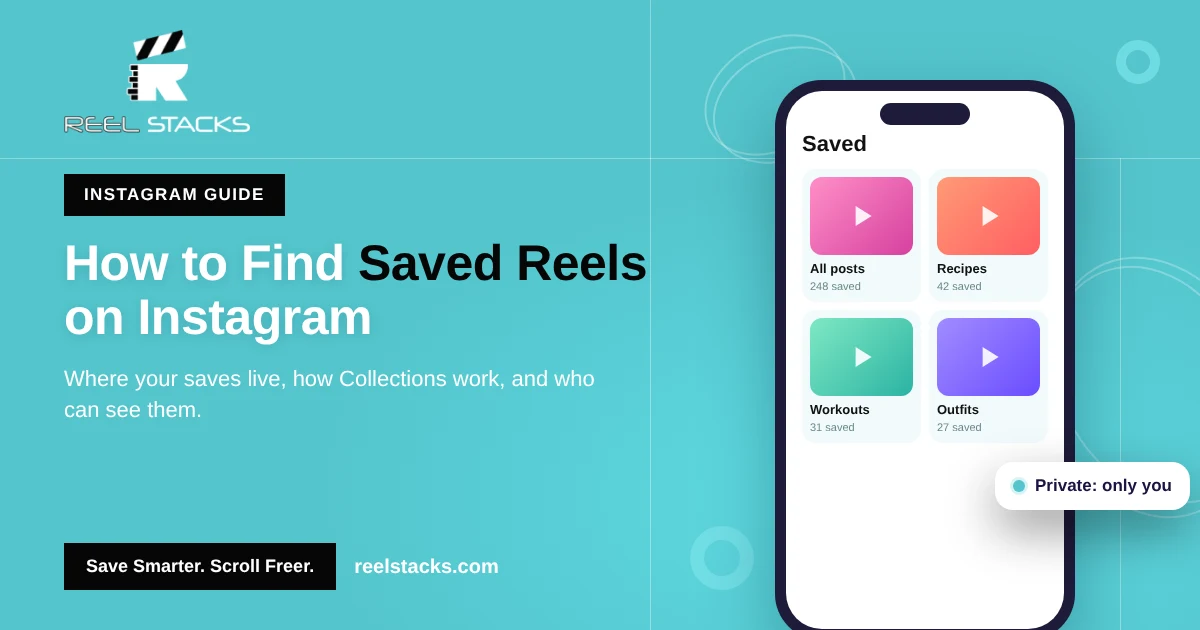
Everything you bookmark (reels, photos, carousels and audio) goes to Profile > Menu > Saved. Reels and posts appear together under All posts, and any collections you’ve made appear as separate folders.
How to find saved reels on Instagram (iPhone & Android)
- Open Instagram and tap your profile picture in the bottom-right corner.
- Tap the three lines (☰) in the top-right corner.
- Tap Saved.
- Open All posts to see everything, or tap a collection.
- Tap any reel to watch it.
How to find saved posts on Instagram (desktop)
- Go to instagram.com and open your profile.
- Click the Saved tab above your grid.
- Open All posts or a collection.
How to use Instagram Collections to organize saved reels
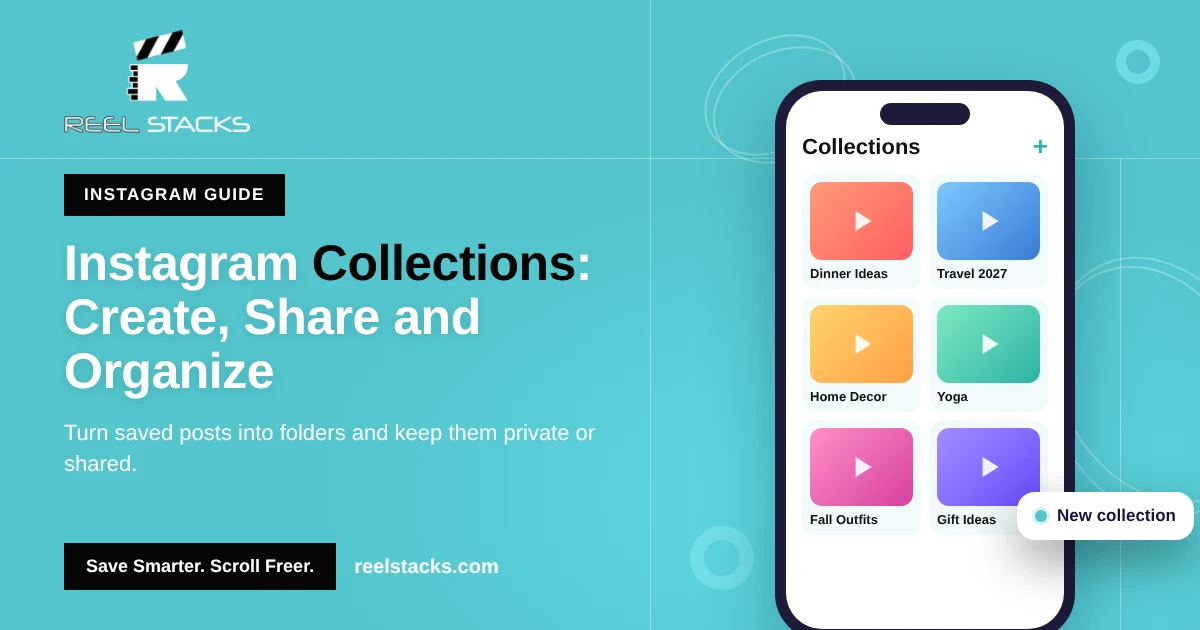
Collections are folders inside Saved. They’re the closest thing Instagram has to organization.
To save a reel into a collection: tap and hold the bookmark icon on the reel, then pick a collection or tap + to create one.
To move older saves into a collection: open Saved, tap + (New collection), name it, then select the saved posts you want to add.
To share a collection: open the collection, tap the three dots, and look for the option to add collaborators or share. Availability varies by account and region.
Can people see your saved posts on Instagram?
No. Your saved posts and reels are private. Only you can see them.
- The creator is not notified when you save their reel.
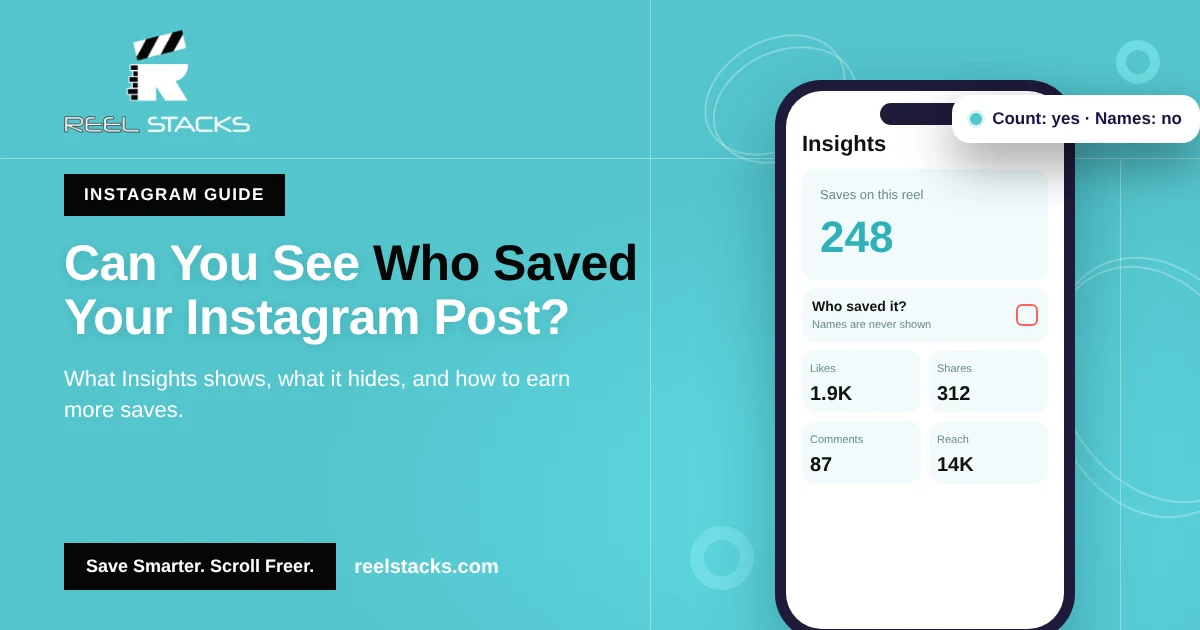
- Creators with a professional account can see how many people saved a post in Insights, but never who.
- The only time others see your saves is when you invite them to a shared collection.
Can you see who saved your Instagram post?
No. Instagram only shows the total number of saves in Insights for business and creator accounts. Names are never shown.
Why can’t I find a reel I saved?
- The creator deleted or archived it.
- The creator’s account went private and you don’t follow them.
- You tapped like (the heart) instead of save (the bookmark).
- You saved it on a different Instagram account.
Where Instagram Saved falls short
Instagram Saved has no search bar. Once you have a few hundred saves, finding one recipe or workout means endless scrolling. It also only holds Instagram content, so the TikToks and Facebook reels you saved live somewhere else.
Reel Stacks fixes both. Share any reel from Instagram, TikTok, Facebook or YouTube Shorts to Reel Stacks, put it in a category like “Date Night Looks” or “Recipes to Try,” and search all of it from one app.
One library for every reel you save. Custom categories, built-in search, one-tap sharing. Get Reel Stacks
Related: How to Find Saved Reels on Facebook · How to Find Saved Videos on TikTok · How to Organize Saved Reels Across Every App
FAQs
Where do saved reels go on Instagram?
To Profile > Menu (☰) > Saved. They appear under All posts and in any collection you added them to.
Are saved posts on Instagram private?
Yes. Only you can see what you save, unless you share a collection.
Does Instagram tell someone when you save their post?
No. Creators see a save count in Insights, not names.
How do I delete saved posts on Instagram?
Open the saved reel or post and tap the filled bookmark icon to unsave it.
Can I search my saved reels on Instagram?
Not directly. Instagram Saved has no search. Use collections, or save reels to an app like Reel Stacks that has search built in.