How to Find Saved Reels on Facebook (iPhone, Android & Desktop)
You saw a great recipe reel, tapped Save, and now you can’t find it. You’re not alone. Facebook doesn’t keep saved reels on your profile or in the Reels tab. They live in a separate Saved section that most people never open.
Here’s how to get there on every device, in under 30 seconds.
Where are saved reels on Facebook?
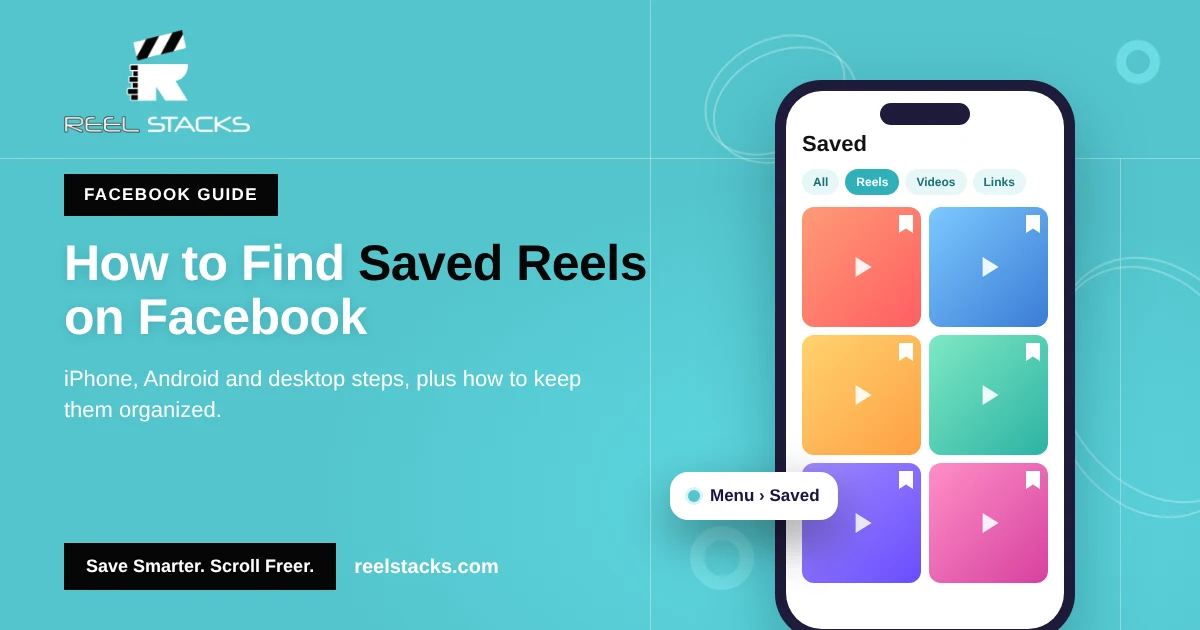
All saved reels, videos, posts and links go to one place: Menu > Saved. Inside Saved, you can filter by type to show only reels, or open a collection if you sorted them when saving.
How to find saved reels on Facebook (iPhone)
- Open the Facebook app.
- Tap Menu (your profile picture or the three lines) in the bottom-right corner.
- Tap Saved. If you don’t see it, tap See more first.
- Scroll through All, or tap the Reels filter to show only saved reels.
- Tap any reel to play it.
How to find saved reels on Facebook (Android)
- Open the Facebook app.
- Tap Menu (three lines or your profile picture) in the top-right corner.
- Tap Saved.
- Use the filters at the top to show reels, or open a collection.
How to find saved reels on Facebook (desktop)
- Go to facebook.com and log in.
- In the left sidebar, click Saved. You can also go straight to facebook.com/saved.
- Pick a collection on the left, or scroll through all saved items.
How to save a reel on Facebook
If a reel isn’t showing up, it may never have been saved. To save one:
- While the reel is playing, tap the three dots (•••).
- Tap Save reel (or Save video).
- Choose a collection, or create a new one, so it’s easier to find later.
Why can’t I find my saved reels on Facebook?
- You liked it instead of saving it. Likes don’t add reels to Saved.
- The creator deleted the reel or made it private. It disappears from your Saved list too.
- You’re on a different account. Saved items belong to the profile or Page you were using.
- The app is out of date. Update Facebook and check again.
The bigger problem: saved reels are scattered everywhere
Facebook Saved works fine if Facebook is the only app you use. Most people also save reels on Instagram, TikTok and YouTube Shorts. That means four different “saved” folders, four different menus, and no way to search across them.
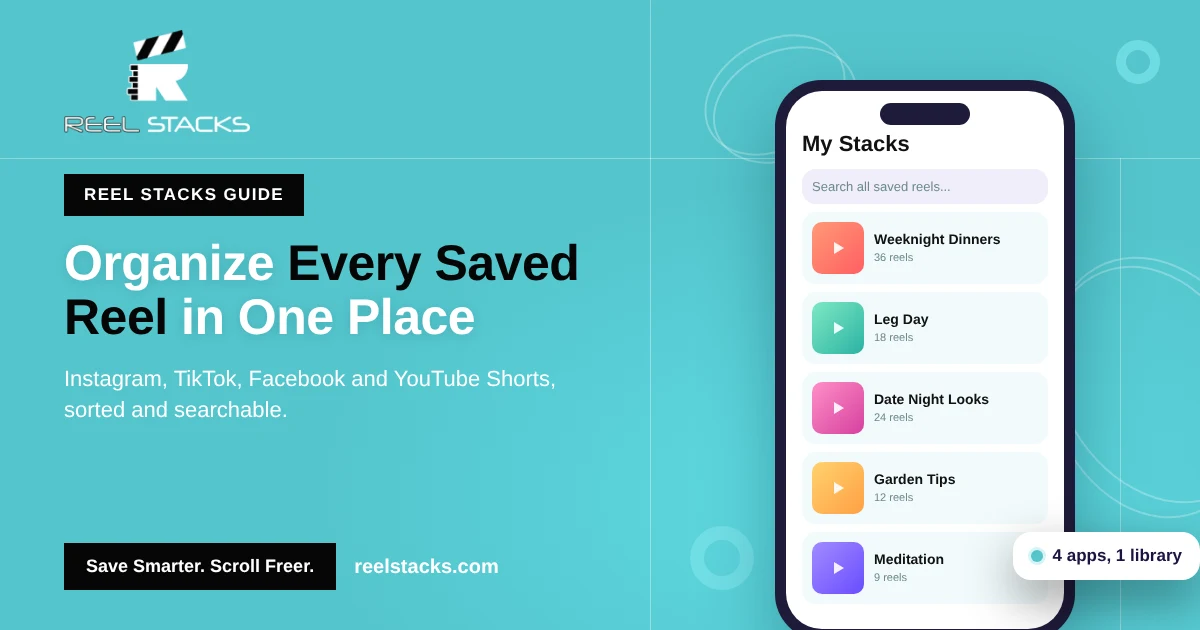
That’s why we built Reel Stacks. Tap Share on any reel, choose Reel Stacks, and drop it into a category like “Weeknight Dinners” or “Leg Day.” Every reel from every app sits in one library you can search in seconds.
Stop losing reels. Save from Facebook, Instagram, TikTok and YouTube Shorts into one organized library. Download Reel Stacks
Related: How to Find Saved Reels on Instagram · How to Organize Saved Reels Across Every App
FAQs
Where do saved reels go on Facebook?
They go to the Saved section. Open Menu, tap Saved, and filter by Reels.
Can people see the reels I save on Facebook?
No. Your Saved list is private. The creator isn’t told who saved their reel. The only exception is a collection you choose to share.
Can I download a saved Facebook reel to my phone?
Facebook lets you save reels inside the app, but downloading depends on the creator’s settings. Use Saved or Reel Stacks to keep a link to it instead.
How do I remove a reel from Saved on Facebook?
Open Saved, tap the three dots next to the reel, and tap Unsave.
Why did a saved reel disappear?
The creator most likely deleted it or changed who can see it.